TRAVEL AND TRANSPORTATION FLOW
Notification permission pre-prompt app flow
A travel and transportation flow in 5 screens, from booking confirmed to alerts off. Start your app from it, and your agent draws it on your own design system.
- 5 screens
- 3 patterns
- Mobile and desktop
- Brand: Singgah (made up)
The screens, in order
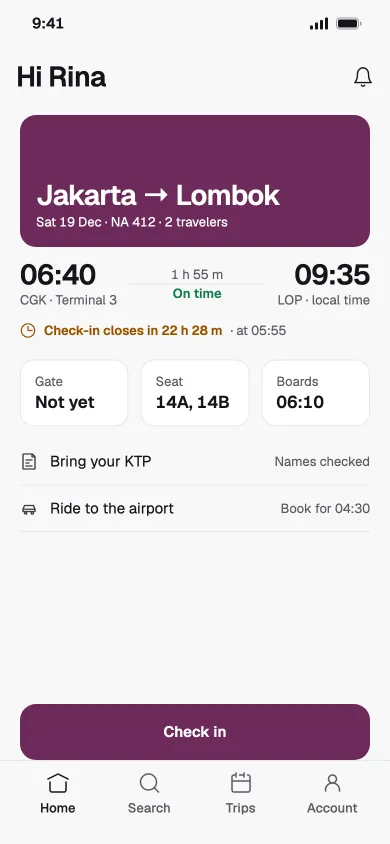
- Booking confirmed
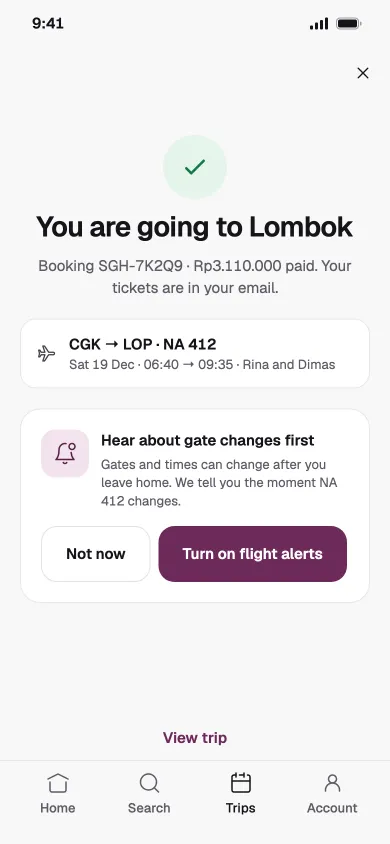
- What you getPro
- System dialogPro
- Alerts onPro
- Alerts offPro
See all 5 screens, at mobile and desktop.Pro opens the whole flow in your Universe, with the prompt and code for each screen.
Upgrade to ProAlready Pro? Open in UniverseWhen to use it
USE WHEN
An app that needs push permission for something time-critical: ask right after the moment that makes it useful (a confirmed flight), show a sample alert, and only then call the system dialog.
AVOID WHEN
Asking on first launch or before any booking, a settings page for alerts already allowed (use Social › Notifications), or recovering a permission the person already denied (use Misc › Permission recovery).
Patterns and why they work
3 decisions this flow makes, and the clarity each one buys.
Ask when the value is obvious: a confirmed flight with a gate that can still change. Asking at the moment of need gets far more yes than asking on first launch, and a no then still leaves the person with email
Show the notification before asking: two sample alerts with real flight numbers and times. People agree to what they can see; an abstract Enable notifications reads like spam
Spend the one system dialog carefully: it opens only after the person tapped Turn on alerts, because the OS shows it once. After Do not allow, a quiet banner with Turn on in Settings is the only reminder, so the app never nags
Each pattern also has its psychology, the intuition behind it and what it rules out, plus layout notes for mobile and desktop.
Open in UniverseStates to cover
The screens people forget until a user hits them.
- Ask in the confirmation
- Sample alerts sheet
- System dialog
- Alerts on with types to choose
- Alerts off with a banner that links to Settings
- Not now on the card just hides it
- It comes back once on the trip page
- Never as a dialog
Pairs with
The flows this one hands off to or comes back from.
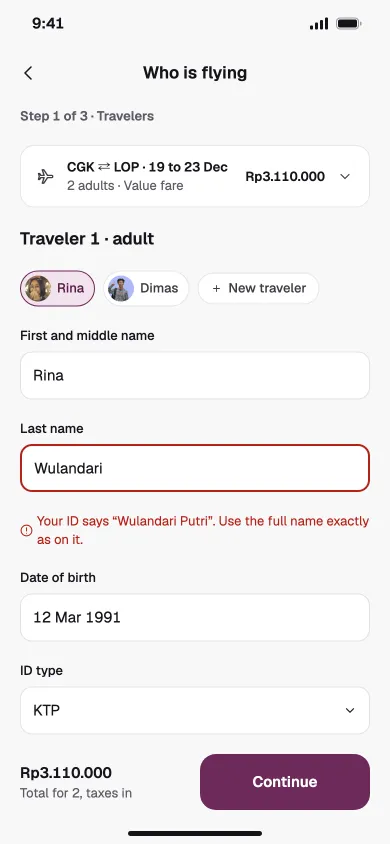
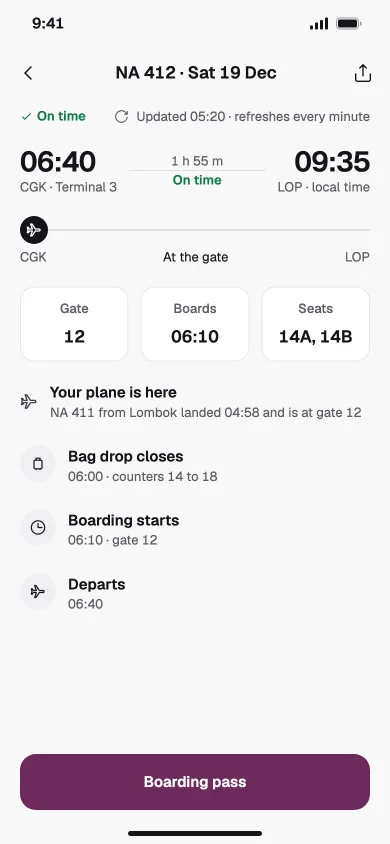
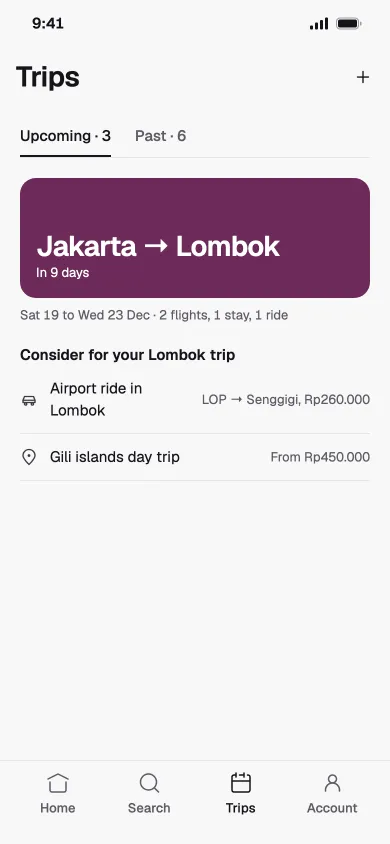
More Travel and Transportation flows
Drawn for the same brand, so they fit together.
Questions
- When should I use a notification permission pre-prompt flow?
- An app that needs push permission for something time-critical: ask right after the moment that makes it useful (a confirmed flight), show a sample alert, and only then call the system dialog. Use another pattern for asking on first launch or before any booking, a settings page for alerts already allowed (use Social › Notifications), or recovering a permission the person already denied (use Misc › Permission recovery).
- Which screens does it need?
- This pattern uses 5: Booking confirmed, What you get, System dialog, Alerts on and Alerts off. Plan for these states too: ask in the confirmation, sample alerts sheet, system dialog, alerts on with types to choose.
- Is Singgah a real app?
- No. Singgah is a made-up travel app: book flights, stays and rides in one trip on Indonesian routes, so the screens show the pattern without copying anyone's brand. Your agent redraws the flow on your own tokens and components.
- How does my agent use this flow?
- Connect Claude Code, Codex or Claude Desktop to Wonderblok over MCP. The agent calls use_pattern for this flow, reads its screens, rules and states, and draws them in your file.
- Is it free?
- Browsing Universe is free. Full pattern notes and use with your agent are part of Pro, and the Free plan opens a few flows in full each month.