TRAVEL AND TRANSPORTATION FLOW
Flight status and disruption app flow
A travel and transportation flow in 4 screens, from live status to cancelled with new flight. Start your app from it, and your agent draws it on your own design system.
- 4 screens
- 6 patterns
- Mobile and desktop
- Brand: Singgah (made up)
The screens, in order
- Live status
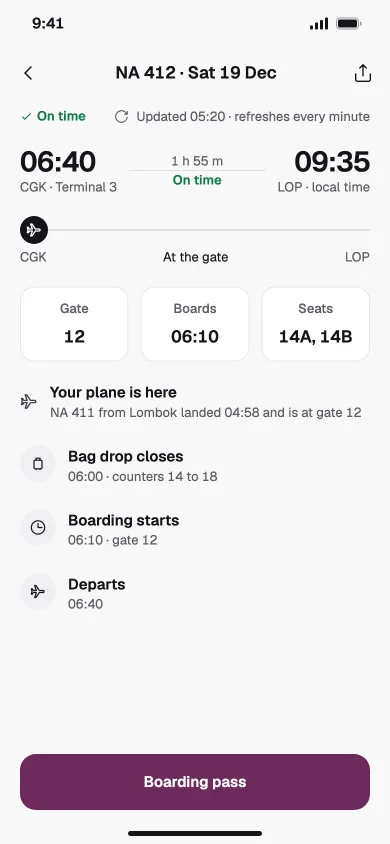
- Delay alertPro
- Rebooking optionsPro
- Cancelled with new flightPro
See all 4 screens, at mobile and desktop.Pro opens the whole flow in your Universe, with the prompt and code for each screen.
Upgrade to ProAlready Pro? Open in UniverseWhen to use it
USE WHEN
A traveller follows a flight on the day of travel, gets a delay or gate change, and has to choose what happens after a long delay or a cancellation.
AVOID WHEN
The change is planned weeks ahead by the airline (use Trip itinerary and changes, Accept change) or the user cancels by choice (use Trip itinerary and changes › Cancel with refund summary).
Patterns and why they work
6 decisions this flow makes, and the clarity each one buys.
New time with the old one as "was"
What changed and by how much
Gate and boarding tiles with the change written under the value
"Changed from 12" right where the eye goes
Why it is late, in one line
The replacement plane and when it lands
Options as radio cards with what each costs and changes
Keep, Move, Another flight or Refund, each with price
Automatic rebooking on cancellation with a deadline to respond
A seat is already held
What this changes for the rest of the trip
Hotel, return flight and bag
Each pattern also has its psychology, the intuition behind it and what it rules out, plus layout notes for mobile and desktop.
Open in UniverseStates to cover
The screens people forget until a user hits them.
- Scheduled
- Check-in open
- On time at gate
- Boarding
- Departed with progress
- Landed with belt
- Delay under 2 hours
- Long delay with options
- Gate change only
- Cancelled with automatic rebooking
- Rebooking confirmed
- Refund requested
- No seats on later flights
- Diverted
- Status unavailable offline
Pairs with
The flows this one hands off to or comes back from.
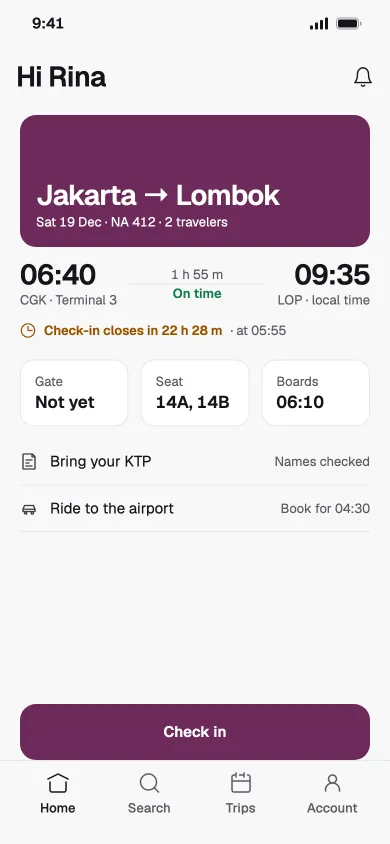
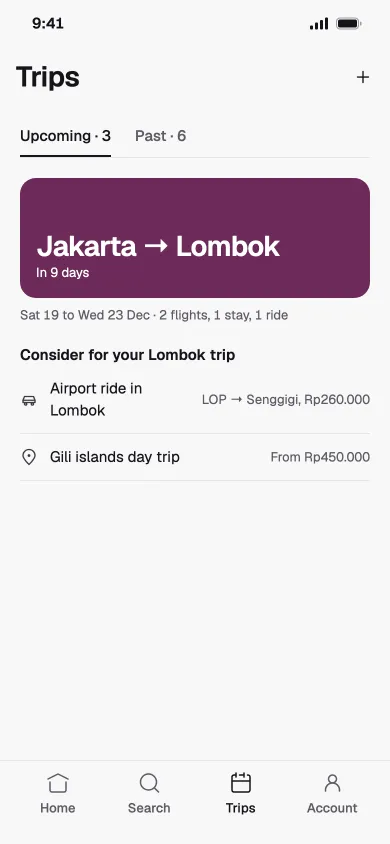
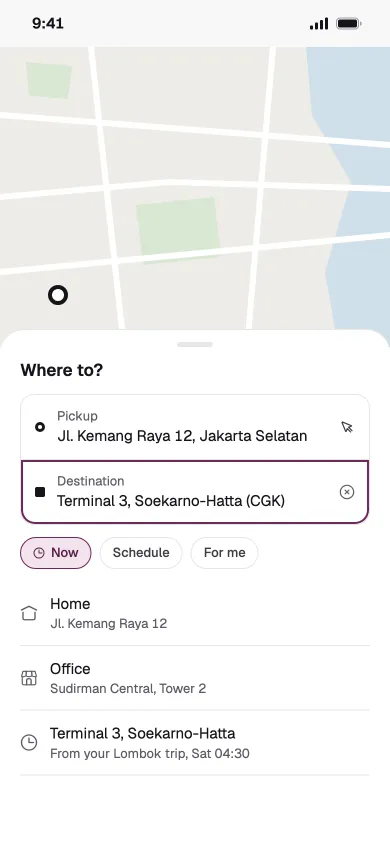
More Travel and Transportation flows
Drawn for the same brand, so they fit together.
Questions
- When should I use a flight status and disruption flow?
- A traveller follows a flight on the day of travel, gets a delay or gate change, and has to choose what happens after a long delay or a cancellation. Use another pattern for the change is planned weeks ahead by the airline (use Trip itinerary and changes, Accept change) or the user cancels by choice (use Trip itinerary and changes › Cancel with refund summary).
- Which screens does it need?
- This pattern uses 4: Live status, Delay alert, Rebooking options and Cancelled with new flight. Plan for these states too: scheduled, check-in open, on time at gate, boarding.
- Is Singgah a real app?
- No. Singgah is a made-up travel app: book flights, stays and rides in one trip on Indonesian routes, so the screens show the pattern without copying anyone's brand. Your agent redraws the flow on your own tokens and components.
- How does my agent use this flow?
- Connect Claude Code, Codex or Claude Desktop to Wonderblok over MCP. The agent calls use_pattern for this flow, reads its screens, rules and states, and draws them in your file.
- Is it free?
- Browsing Universe is free. Full pattern notes and use with your agent are part of Pro, and the Free plan opens a few flows in full each month.