SPORTS FLOW
Activity history and records app flow
A sports flow in 4 screens, from activities list to training log. Start your app from it, and your agent draws it on your own design system.
- 4 screens
- 3 patterns
- Mobile and desktop
- Brand: Gelora (made up)
The screens, in order
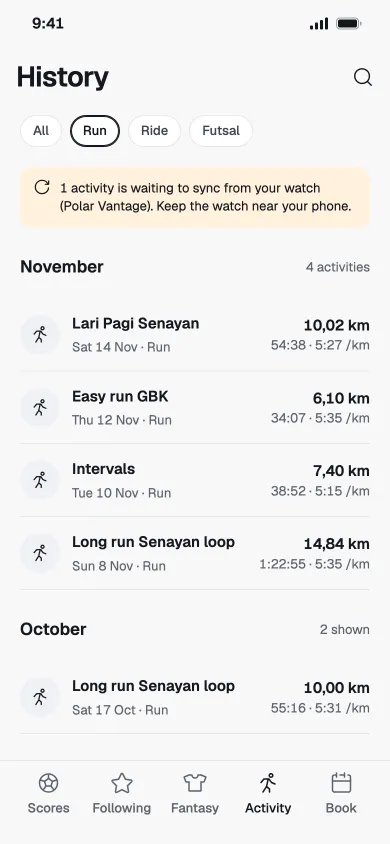
- Activities list
- Performance by weekPro
- Personal recordsPro
- Training logPro
See all 4 screens, at mobile and desktop.Pro opens the whole flow in your Universe, with the prompt and code for each screen.
Upgrade to ProAlready Pro? Open in UniverseWhen to use it
USE WHEN
An athlete wants to look back: activities by month, a performance chart by week, personal records with new ones marked, and a training calendar, with a note when an activity is still syncing.
AVOID WHEN
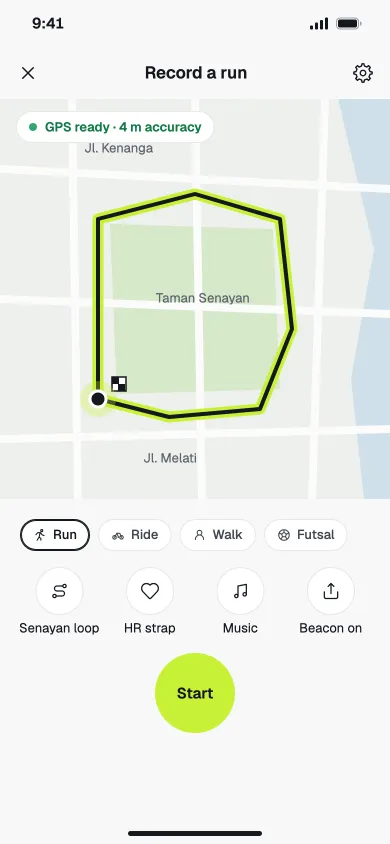
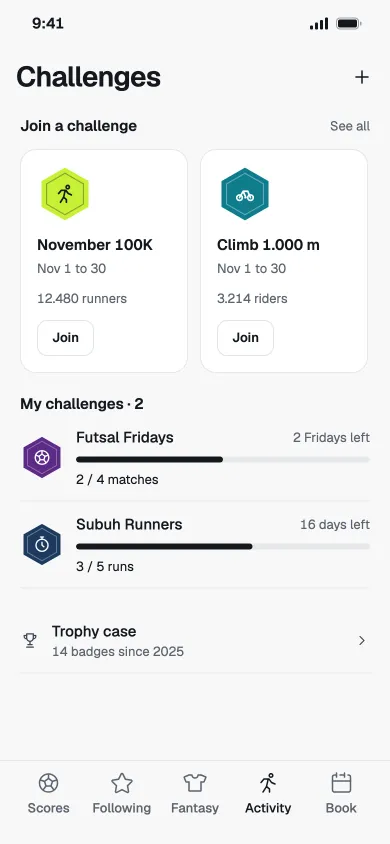
Recording a new activity (use Sports › Record an activity) or comparing with friends (use Sports › Challenges and leaderboards).
Patterns and why they work
3 decisions this flow makes, and the clarity each one buys.
Month groups with one line each
Date, name, distance, time and pace per row
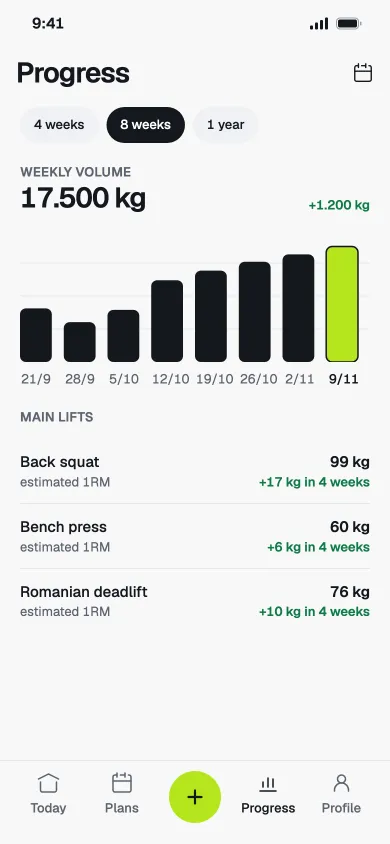
Weekly bars with this week highlighted
8 weeks with the value over each bar
Records with dates and a New mark
Each record has its date and run
Each pattern also has its psychology, the intuition behind it and what it rules out, plus layout notes for mobile and desktop.
Open in UniverseStates to cover
The screens people forget until a user hits them.
- No records yet (first run asks to record one)
- Sync pending from the watch
- An activity discarded
- An activity edited
- A manual entry (never a record)
- A season with no activity
- Offline
- Activities
- Performance
- Records and training log are drawn
Pairs with
The flows this one hands off to or comes back from.
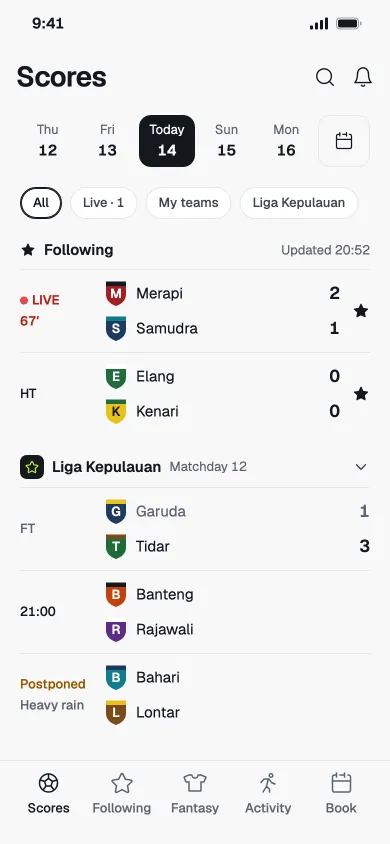
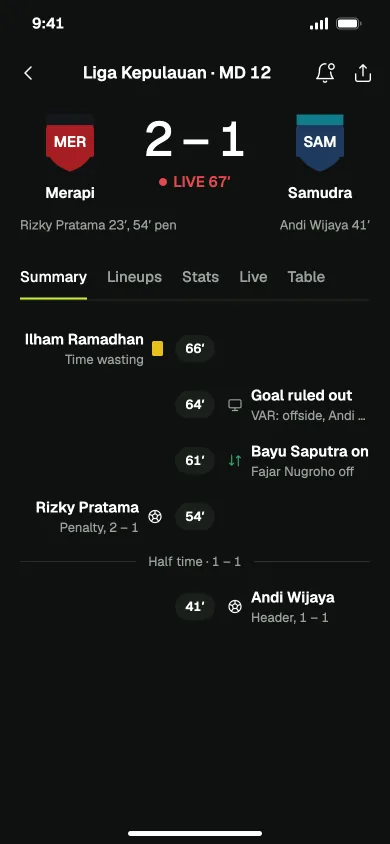
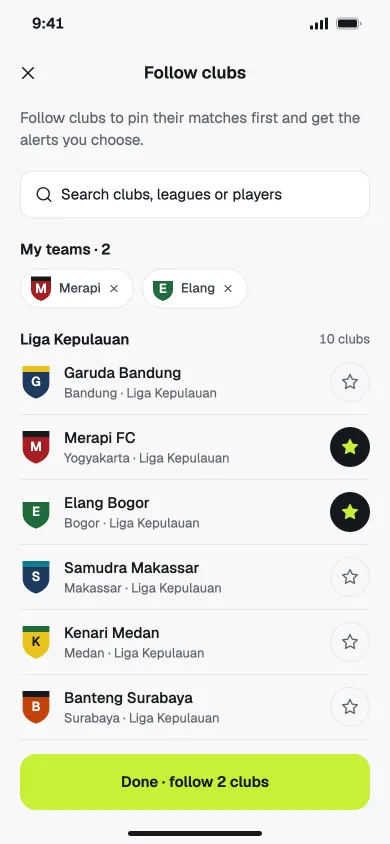
More Sports flows
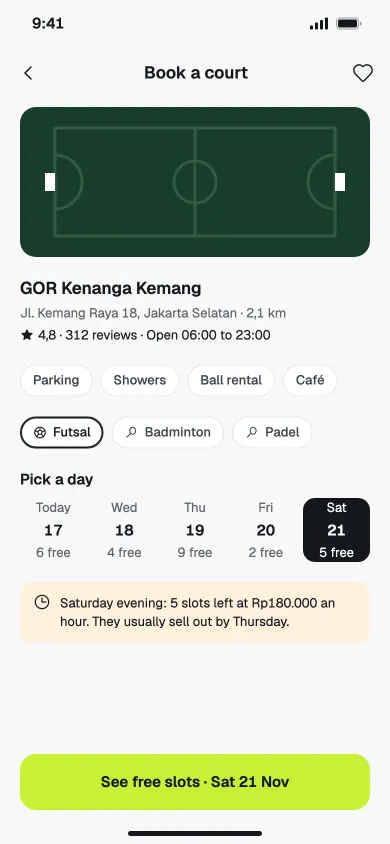
Drawn for the same brand, so they fit together.
Questions
- When should I use a activity history and records flow?
- An athlete wants to look back: activities by month, a performance chart by week, personal records with new ones marked, and a training calendar, with a note when an activity is still syncing. Use another pattern for recording a new activity (use Sports › Record an activity) or comparing with friends (use Sports › Challenges and leaderboards).
- Which screens does it need?
- This pattern uses 4: Activities list, Performance by week, Personal records and Training log. Plan for these states too: no records yet (first run asks to record one), sync pending from the watch, an activity discarded, an activity edited.
- Is Gelora a real app?
- No. Gelora is a made-up sports app: follow your club and play your own sport: scores, match centre, fantasy, run tracking, challenges and court booking, so the screens show the pattern without copying anyone's brand. Your agent redraws the flow on your own tokens and components.
- How does my agent use this flow?
- Connect Claude Code, Codex or Claude Desktop to Wonderblok over MCP. The agent calls use_pattern for this flow, reads its screens, rules and states, and draws them in your file.
- Is it free?
- Browsing Universe is free. Full pattern notes and use with your agent are part of Pro, and the Free plan opens a few flows in full each month.