SPORTS FLOW
Tournament app flow
A sports flow in 10 screens, from poster a3 to run sheet deck, run of show. Start your app from it, and your agent draws it on your own design system.
- 10 screens
- 9 patterns
- Mobile and desktop
- Brand: Gelora (made up)
The screens, in order
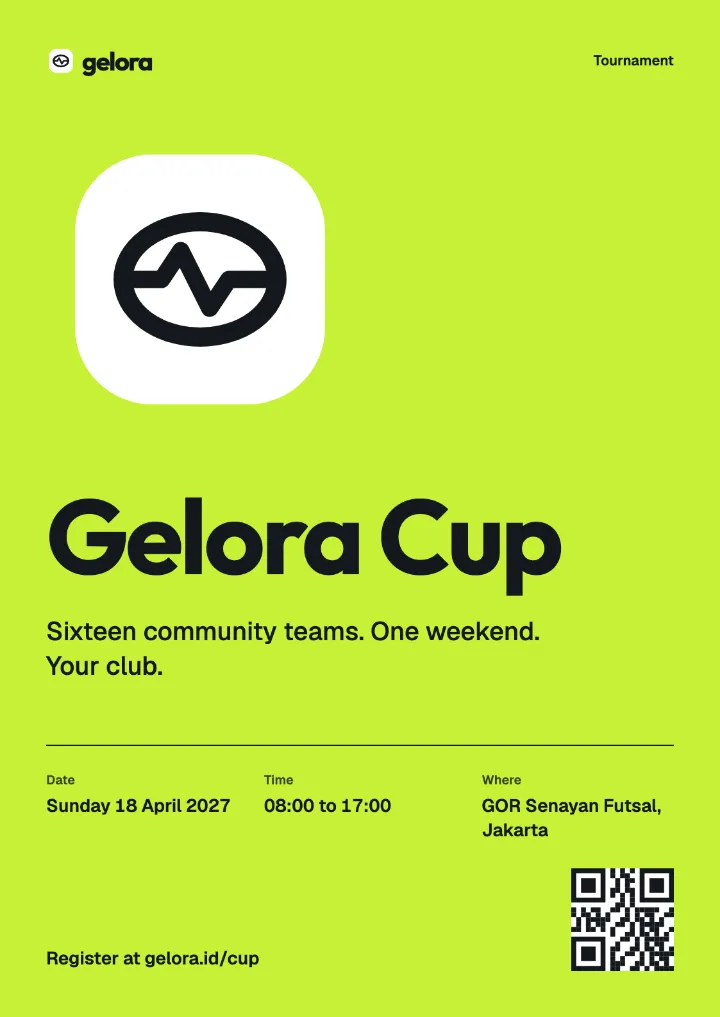
- Poster A3
- Invitation A5Pro
- Ticket, four per A4Pro
- Badge 55 x 85 mmPro
- Stage screen 16:9Pro
- LED wall 32:9Pro
- Signage 60 x 90 cmPro
- Certificate A4Pro
- Run sheet deck, coverPro
- Run sheet deck, run of showPro
See all 10 screens, at print and screen sizes.Pro opens the whole flow in your Universe, with the prompt and code for each screen.
Upgrade to ProAlready Pro? Open in UniverseWhen to use it
USE WHEN
You are running a one-day community tournament with teams, referees and supporters and need every printed and on-screen piece from one brand, each at its real size: print pieces export as vector PDFs at paper size, screens at their pixel size.
AVOID WHEN
You need one social post or a slide deck on its own (use those formats), or a print shop has sent its own template with bleed and crop marks (draw on theirs: Wonderblok's PDF has no bleed yet).
Patterns and why they work
9 decisions this flow makes, and the clarity each one buys.
Every print piece on an ISO 216 or preset size (A3 poster, A5 invitation, A4 certificate, 60 x 90 cm sign, 55 x 85 mm badge)
The frame is the paper, so what you draw is what the print shop cuts; the PDF carries the size
Ticket at 210 x 74 mm, four to an A4 sheet, with a stub holding the code and serial
Office printers and guillotines can make them; the stub is what the door scans or tears
Poster reads in three steps: event name, then date, time and place, then how to register (short address and a code)
People passing a poster read the biggest line first; the address works when the code does not scan
Invitation: who invites, the event, one block with date, time and place, a reply-by date and one action
Everything a guest copies into a calendar sits together
Badge: first name largest, surname and role below, the band left clear for the lanyard clip
Names are read from a metre away at eye level; the code lets exhibitors scan leads
Signage: one destination per line, arrow first, very large type in the brand's display face
Visual characters sized for viewing distance (ADA 703.5); arrows lead because people scan for direction
Stage screen at 1920 x 1080 (16:9) and an LED wall at 3840 x 1080 (32:9), type at least 48 px on the stage screen
HD is what projectors and switchers expect; the wide wall carries the mark beside the title
Certificate: the recipient's name largest, what it is for in one line, two signatures, the programme and date
The name is the reason the paper is kept
Run sheet deck: a cover for the crew briefing, then time, segment, owner and screen or cue on one slide
Every cue has one owner and one time; the times use tabular figures so they line up
Each pattern also has its psychology, the intuition behind it and what it rules out, plus layout notes for mobile and desktop.
Open in UniverseStates to cover
The screens people forget until a user hits them.
- Not screen states
- Each kit covers the before (poster, invitation, ticket)
- The day (badge, signage, screens, run sheet) and the after (certificate)
- Codes are placeholders: the real one comes from the ticketing system
Pairs with
The flows this one hands off to or comes back from.

More Sports flows
Drawn for the same brand, so they fit together.
Questions
- When should I use a tournament flow?
- You are running a one-day community tournament with teams, referees and supporters and need every printed and on-screen piece from one brand, each at its real size: print pieces export as vector PDFs at paper size, screens at their pixel size. Use another pattern for you need one social post or a slide deck on its own (use those formats), or a print shop has sent its own template with bleed and crop marks (draw on theirs: Wonderblok's PDF has no bleed yet).
- Which screens does it need?
- This pattern uses 10: Poster A3, Invitation A5, Ticket, four per A4, Badge 55 x 85 mm, Stage screen 16:9, LED wall 32:9, Signage 60 x 90 cm, Certificate A4, Run sheet deck, cover and Run sheet deck, run of show. Plan for these states too: not screen states, each kit covers the before (poster, invitation, ticket), the day (badge, signage, screens, run sheet) and the after (certificate), codes are placeholders: the real one comes from the ticketing system.
- Is Gelora a real app?
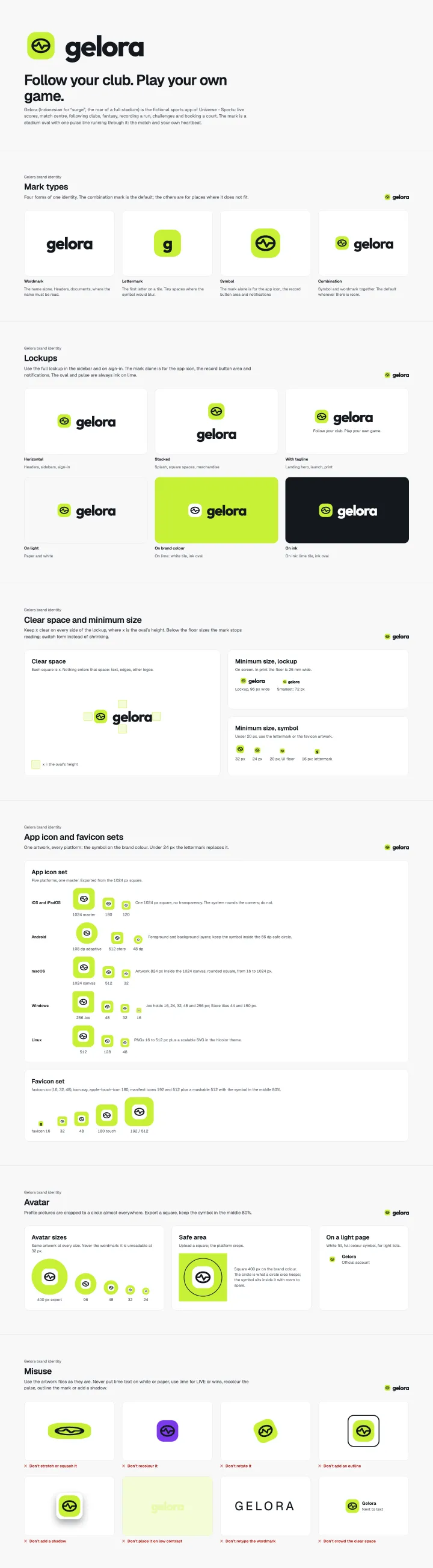
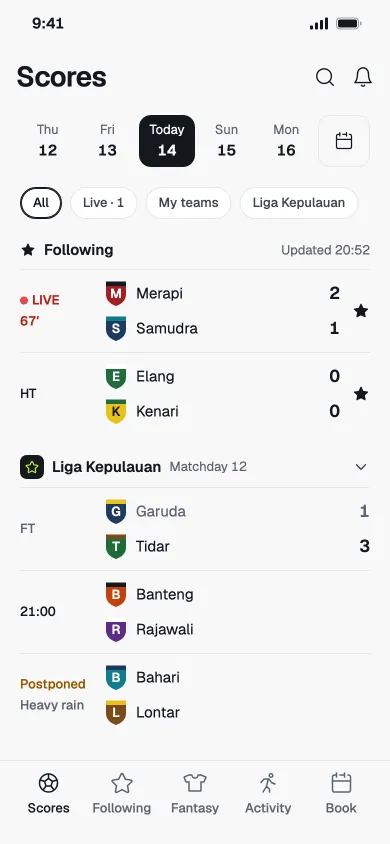
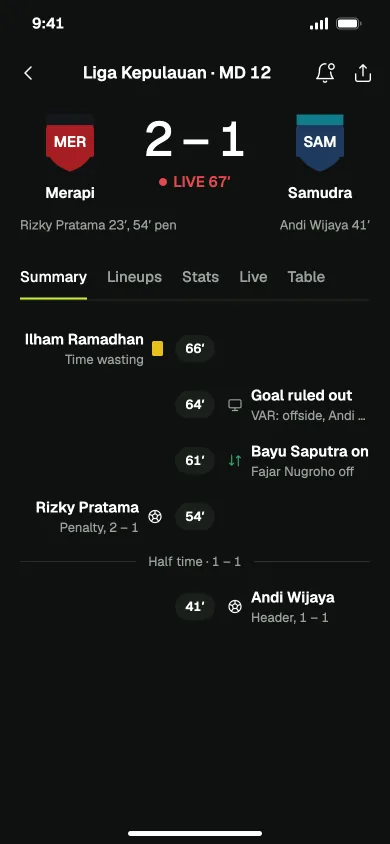
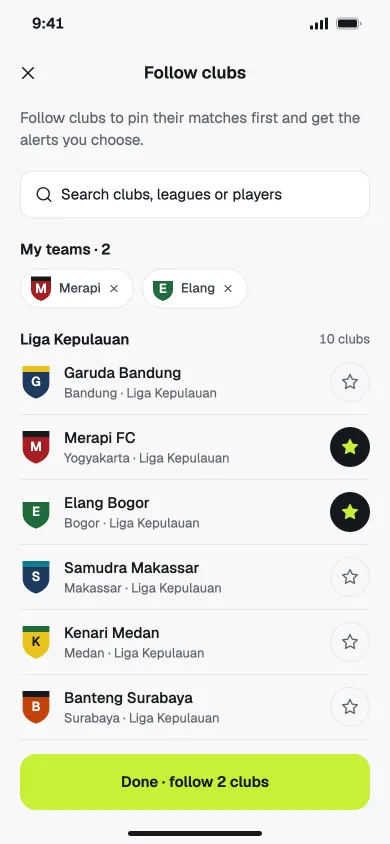
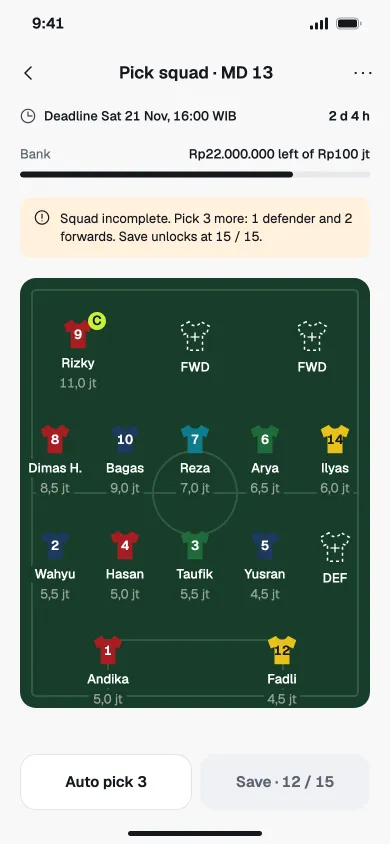
- No. Gelora is a made-up sports app: follow your club and play your own sport: scores, match centre, fantasy, run tracking, challenges and court booking, so the screens show the pattern without copying anyone's brand. Your agent redraws the flow on your own tokens and components.
- How does my agent use this flow?
- Connect Claude Code, Codex or Claude Desktop to Wonderblok over MCP. The agent calls use_pattern for this flow, reads its screens, rules and states, and draws them in your file.
- Is it free?
- Browsing Universe is free. Full pattern notes and use with your agent are part of Pro, and the Free plan opens a few flows in full each month.