PRODUCTIVITY FLOW
Search and command palette app flow
A productivity flow in 5 screens, from palette open to offline search. Start your app from it, and your agent draws it on your own design system.
- 5 screens
- 4 patterns
- Mobile and desktop
- Brand: Rampung (made up)
The screens, in order
- Palette open
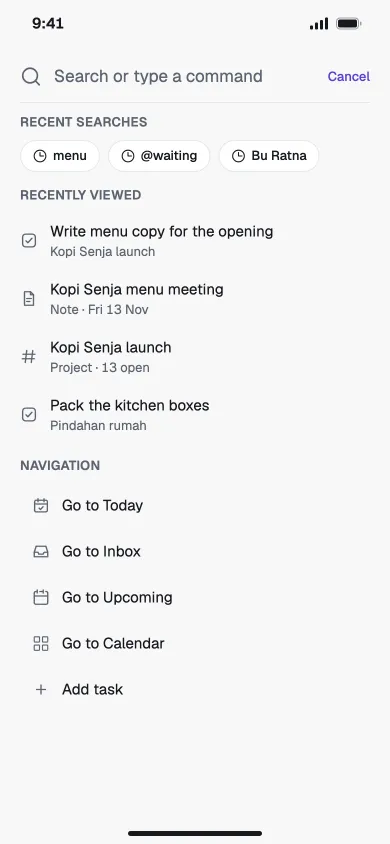
- Grouped resultsPro
- Filter chipsPro
- No resultsPro
- Offline searchPro
See all 5 screens, at mobile and desktop.Pro opens the whole flow in your Universe, with the prompt and code for each screen.
Upgrade to ProAlready Pro? Open in UniverseWhen to use it
USE WHEN
A planner holds hundreds of tasks and notes and people jump between them by name or by keyboard.
AVOID WHEN
Filtering one data table by columns (use Platform › Search and filter).
Patterns and why they work
4 decisions this flow makes, and the clarity each one buys.
Recent first, commands second
An empty box is still useful
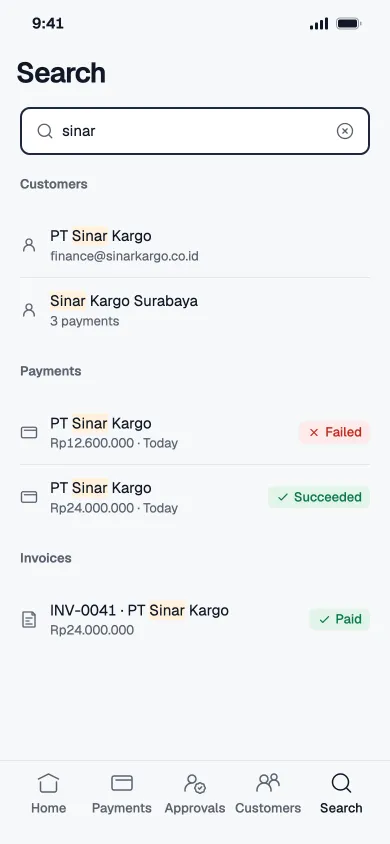
Results grouped by type with the match highlighted
A project and a task with the same word are told apart
Filter chips that say what they hide
"3 of 5" in the group header
No results offers the next action
The query is repeated
Each pattern also has its psychology, the intuition behind it and what it rules out, plus layout notes for mobile and desktop.
Open in UniverseStates to cover
The screens people forget until a user hits them.
- Palette open with recents
- Typing with grouped results
- Filters on
- No results
- Done tasks included
- Keyboard navigation
- Drawn in wave 3: offline search with what is not available offline (recent searches already shown in Palette open)
Pairs with
The flows this one hands off to or comes back from.
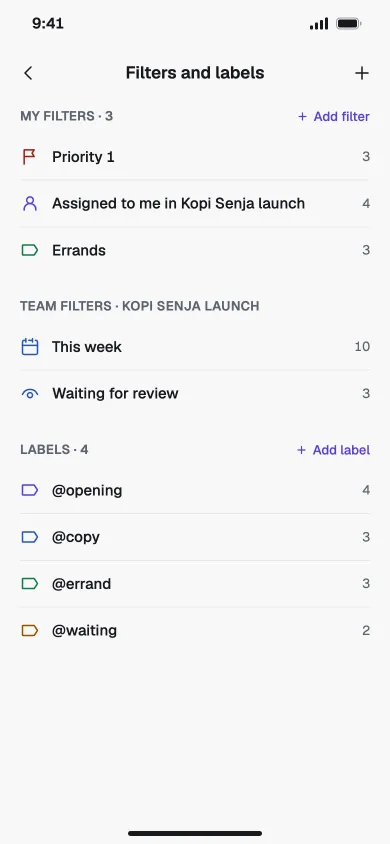
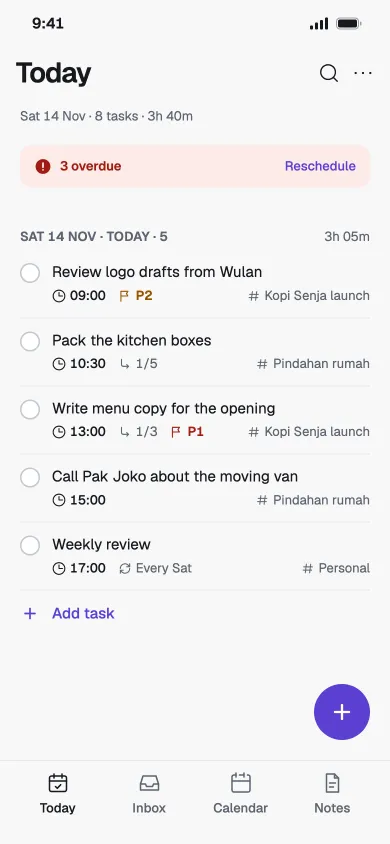
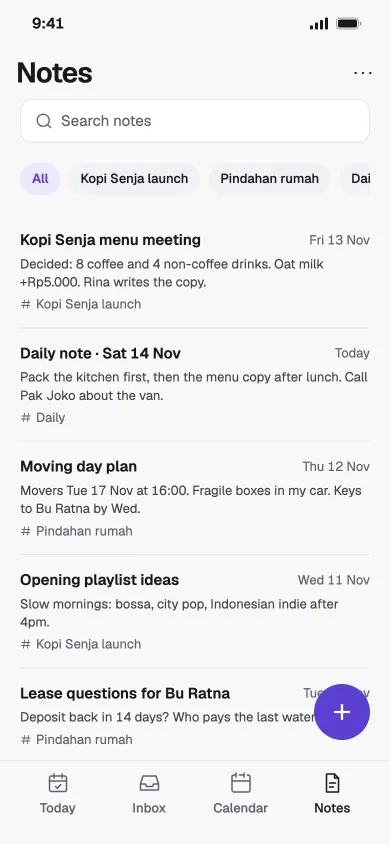
More Productivity flows
Drawn for the same brand, so they fit together.
Questions
- When should I use a search and command palette flow?
- A planner holds hundreds of tasks and notes and people jump between them by name or by keyboard. Use another pattern for filtering one data table by columns (use Platform › Search and filter).
- Which screens does it need?
- This pattern uses 5: Palette open, Grouped results, Filter chips, No results and Offline search. Plan for these states too: palette open with recents, typing with grouped results, filters on, no results.
- Is Rampung a real app?
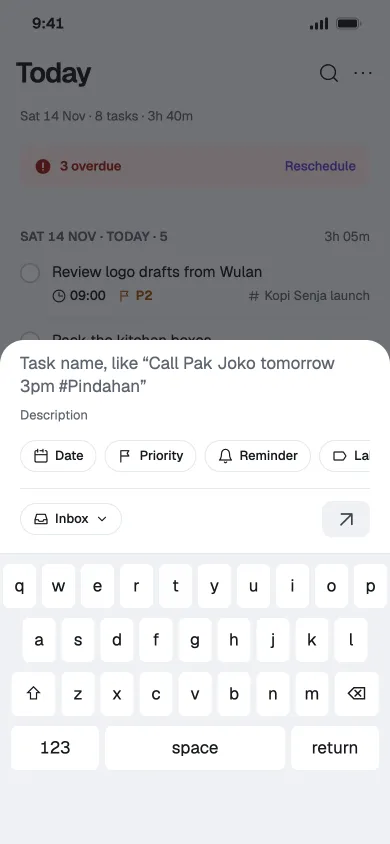
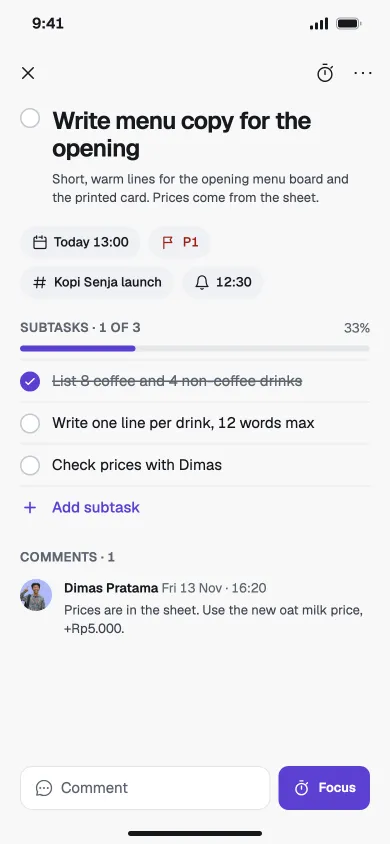
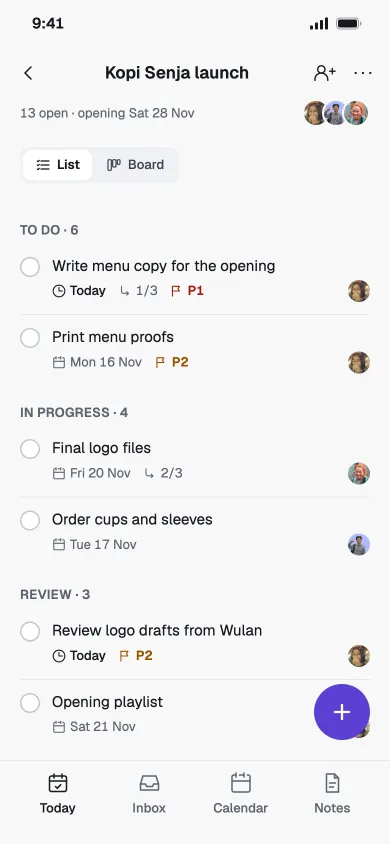
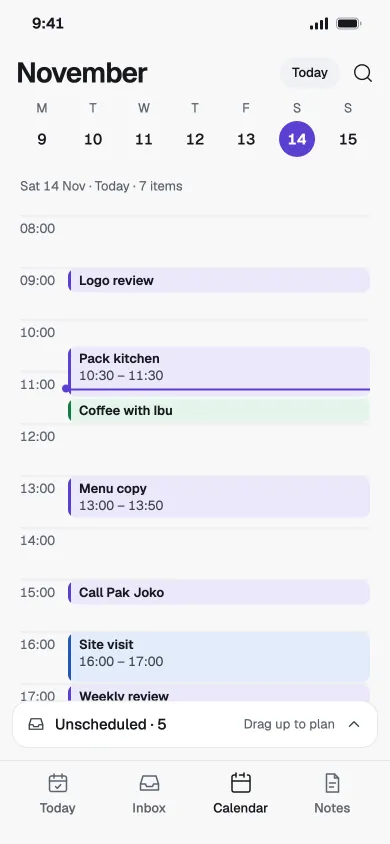
- No. Rampung is a made-up Indonesian planner for one person or a small team: today and inbox, quick add that understands dates, tasks with subtasks, shared project boards, notes with a slash menu, calendar time blocks and a focus timer, so the screens show the pattern without copying anyone's brand. Your agent redraws the flow on your own tokens and components.
- How does my agent use this flow?
- Connect Claude Code, Codex or Claude Desktop to Wonderblok over MCP. The agent calls use_pattern for this flow, reads its screens, rules and states, and draws them in your file.
- Is it free?
- Browsing Universe is free. Full pattern notes and use with your agent are part of Pro, and the Free plan opens a few flows in full each month.